
MEDIA + EVENT WORKFLOW
Keep the source intact. Prepare the playback path.
Media preparation should serve the show, not lock it to a particular output topology. Ascension keeps source media intact, builds nondestructive show behavior around it and, when demanding content needs a playback master, prepares HAP-R, HAP Q or HAP Q Alpha for the engine's high-throughput decode path.
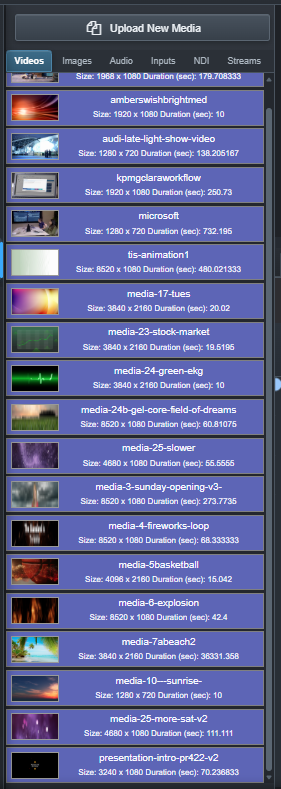
CENTRAL MEDIA LIBRARY
One discovered asset can serve the entire event.
Media in the configured library is indexed for use by CueBoard, Timeline and other production workflows. Ascension generates thumbnails, waveforms and technical metadata while keeping cue-specific trims, loops and routing nondestructive.
- Shared media records across programming workflows
- Thumbnail and waveform extraction
- Nondestructive per-cue and per-timeline behavior
- Configurable Ascension data/library location
PLAYBACK OPTIMIZER
Create a master designed for Ascension's playback engine.
Choose HAP-R or HAP Q in the built-in optimizer. HAP-R uses BC7 compression with color and alpha in one texture; the HAP Q workflow uses HAP Q Alpha when the source contains transparency. Ascension supports HAP-R playback, previews and runtime ROI decoding. The original remains intact while the optimized master is validated before it becomes the event's preferred playback path.
- HAP-R optimization for color and alpha media
- HAP Q for normal video
- HAP Q Alpha when source alpha is present
- PCM 24-bit audio in the optimized MOV
- Validation pass before the optimized result is accepted
- Visible progress, cancellation and available-disk-space checks

DISTRIBUTED HAP ROI
Prepare once. Decode the region the node needs.
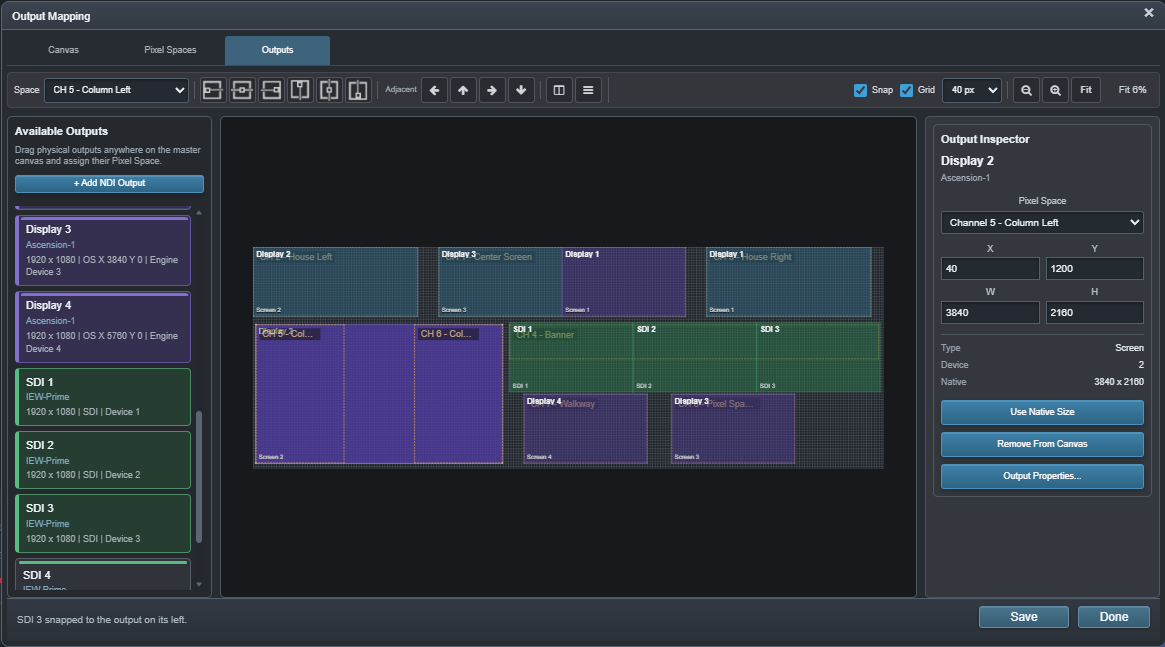
HAP-R, HAP Q and HAP Q Alpha masters work with Ascension's runtime region-of-interest decoding. Keep the complete playback master on each participating node while live output mapping determines the source region that node needs. The engine concentrates decoding on the required compressed texture blocks, including alpha where present.
Explore Distributed Canvas →EXTENDED-NODE DELIVERY
Push the assets the programming actually uses.
When Extended nodes join a production, Ascension can identify programmed media that those systems require and transfer it to their local library. Bulk distribution can target participating nodes together, with cancellation and storage checks during the transfer workflow.
FROM LIBRARY TO SHOW