Playback
Run video, images, audio, templates, browser content, live inputs and supported network sources from one media environment.
Professional media playback + show control
Playback, real-time compositing, CueBoard operation, timeline automation, output mapping, monitoring and Distributed Canvas playback—unified in one professional platform.
Native production builds for Windows and Linux
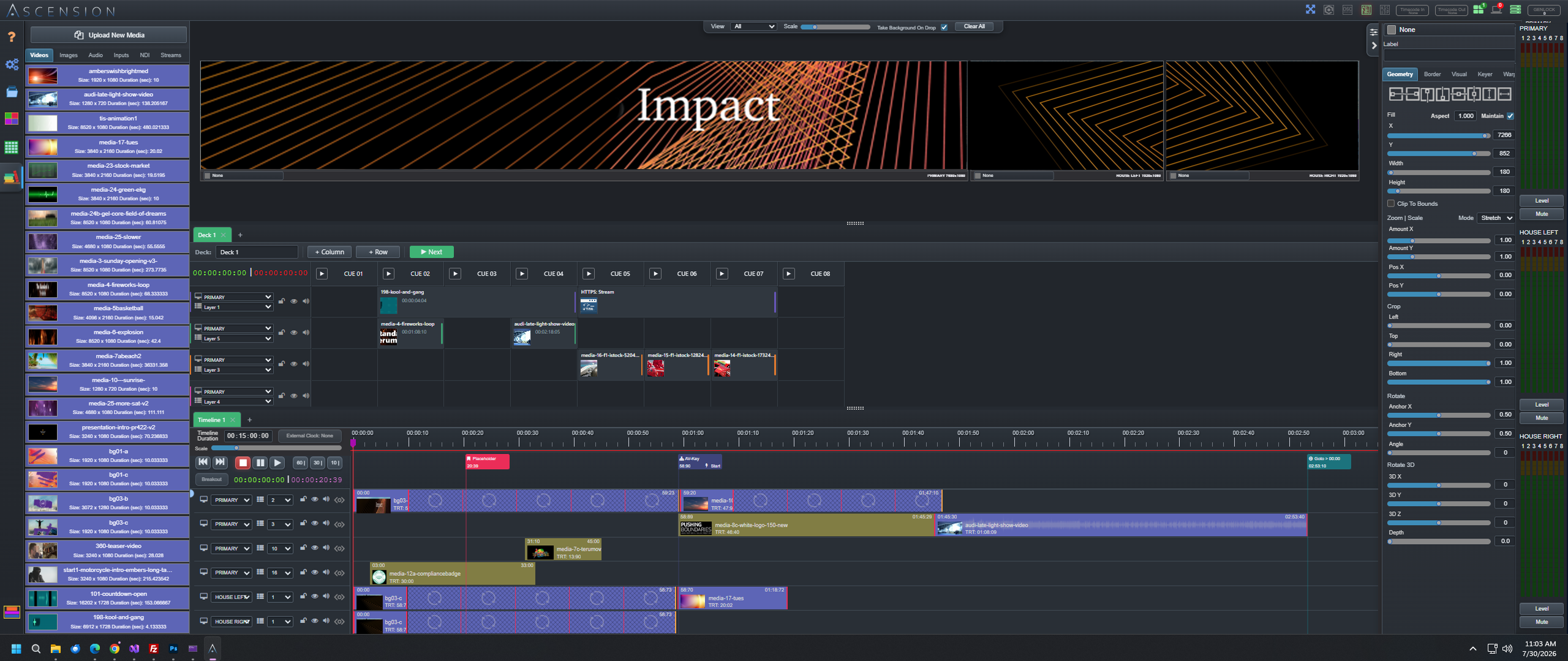
One production platform
Ascension keeps media, cues, timelines, visual layers, outputs and external systems inside one synchronized operating environment—from preparation through the final frame.
Run video, images, audio, templates, browser content, live inputs and supported network sources from one media environment.
Build finished output in real time with independently controlled layers, geometry, keying, built-in mask editing, treatments and motion.
Trigger coordinated media and production actions from an operator-focused CueBoard built for live decisions.
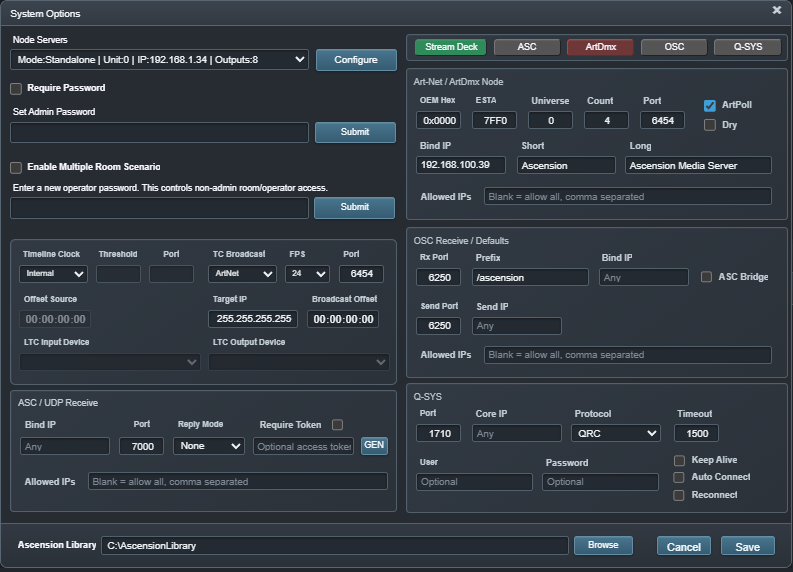
Program routed tracks, control cues, external timecode and keyframed layer animation on a visual timeline.
Extend one global visual canvas across multiple Ascension playback nodes, outputs and large-format display systems.

First live production deployment
Ascension has already moved beyond the lab. Its first live deployment placed the platform at the show-control position with dual workstations, Stream Deck surfaces and large-format display output in an active venue.
Two ways to run the show
Build precisely timed sequences on the Timeline, trigger live decisions from the CueBoard, or combine both inside the same event.
Arrange media and show actions into clear, color-coded cue columns. One command can coordinate playback, layer presets, timelines, remote systems and internal Ascension actions.
Explore live show control →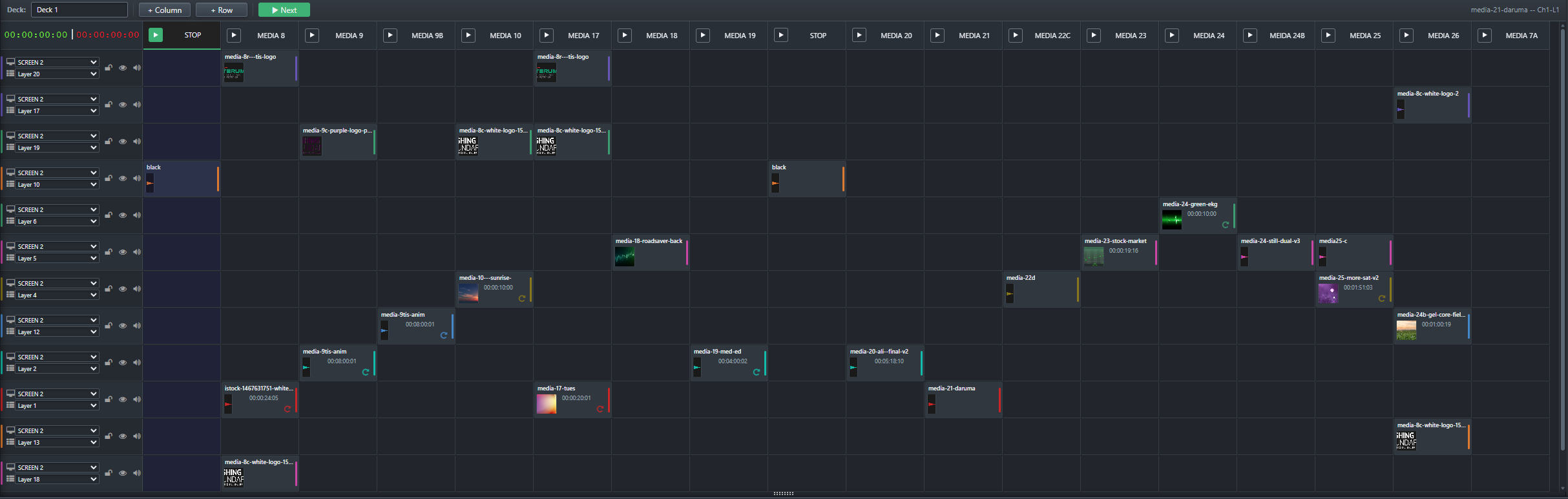
Arrange media and production actions across synchronized tracks. Animate visual properties, insert loops and pause points, trigger remote systems and rehearse the result at any position.
Explore timeline and animation →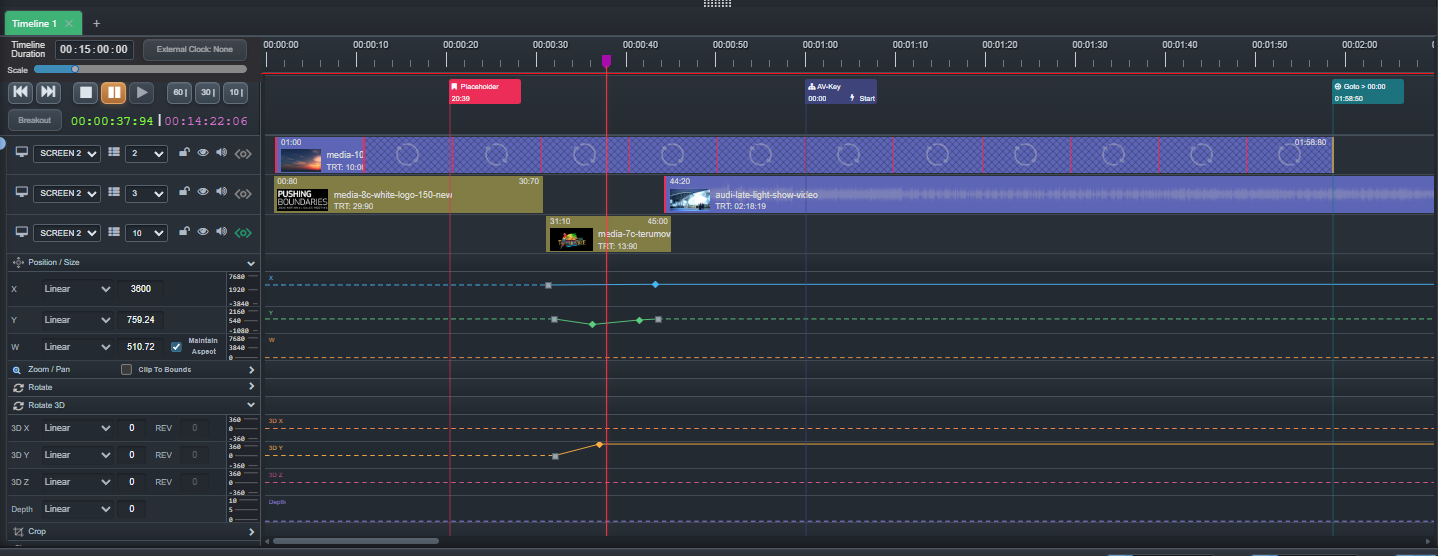
Real-time compositing + projection
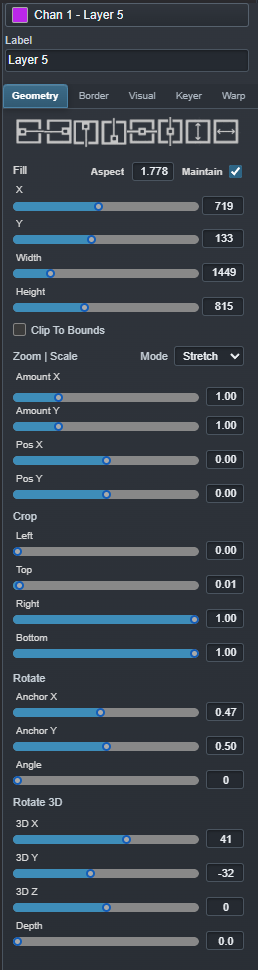
Position, crop, rotate, key and treat visual layers without rendering new source media. Then correct the final output for the surface it must occupy.

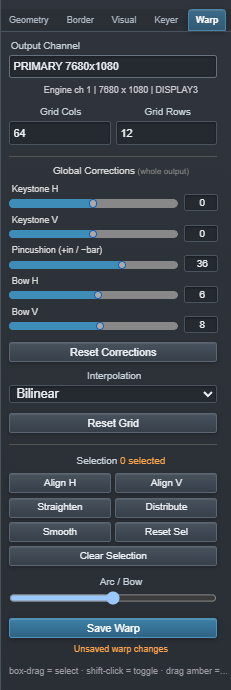
Outputs + monitoring
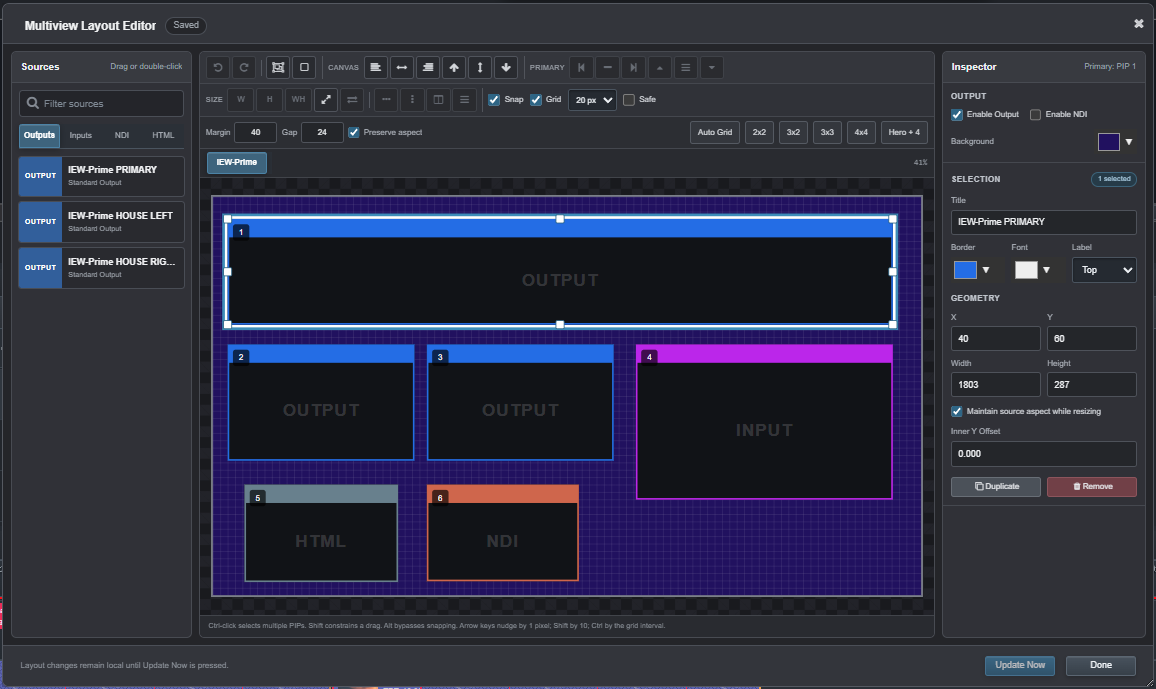
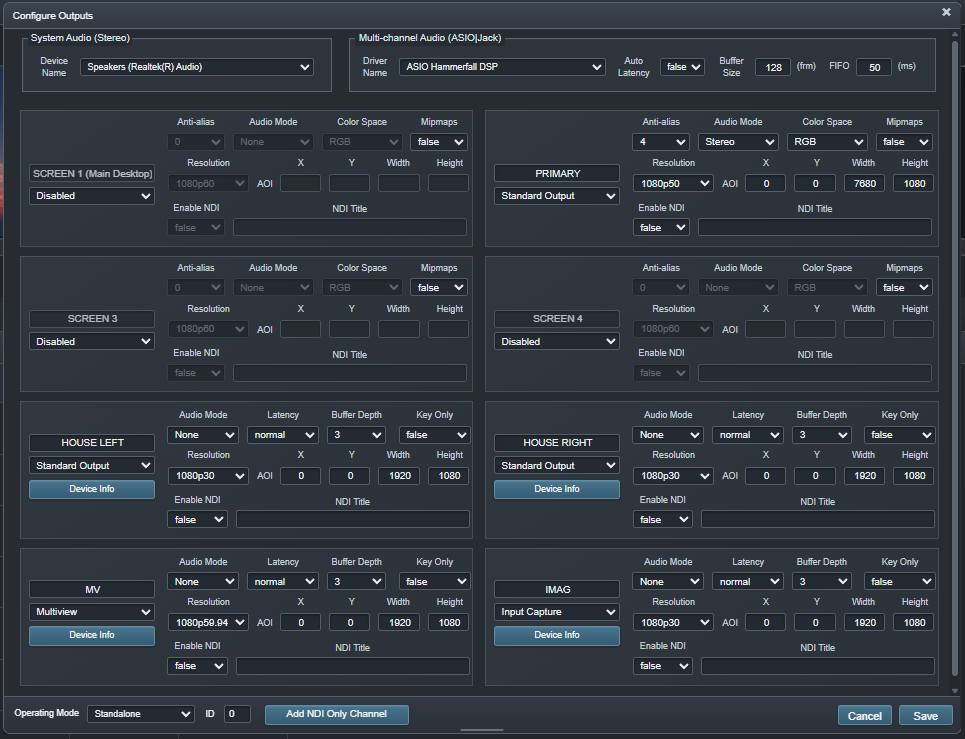
Configure output channels independently and build multiviews that show each operator the sources, program feeds and system information that matter to the job.

Built around the operator
Ascension’s browser-based interface can place authorized workspaces at front of house, backstage, in a control room or at another production desk without installing a separate client application at every station.
Media + event workflow
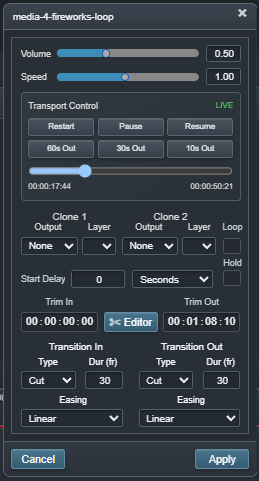
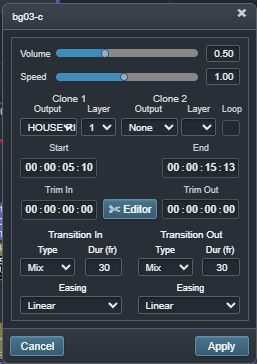
Ascension discovers media in the configured library, extracts available technical information and makes the same assets available to CueBoard, Timeline and output workflows.
Explore media workflow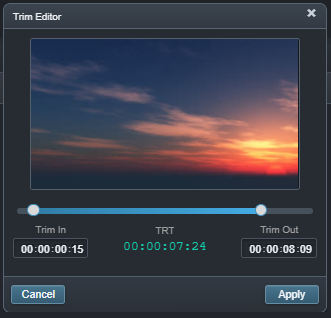
Distributed Canvas
Combine multiple Ascension playback engines and graphics outputs into one continuous global visual space while continuing to program and operate the production from the Primary system.
Position and animate content in one coordinate system even when the physical surface spans multiple Ascension nodes.
Assign each playback node the portion of the global canvas its outputs are responsible for rendering.
Prepare oversized media as node-specific derivatives instead of requiring every engine to decode the complete wall.
Generate alignment geometry that remains mathematically continuous through node and output boundaries.
Full Ascension Pro
Every commercial option activates Ascension Pro. Select the duration and production-machine seats required for the deployment.
License type and production-machine seat quantity are selected on the secure IEW Solutions purchase page.

Playback, compositing, automation, monitoring and control are ready to operate as one system.