
Automatic discovery
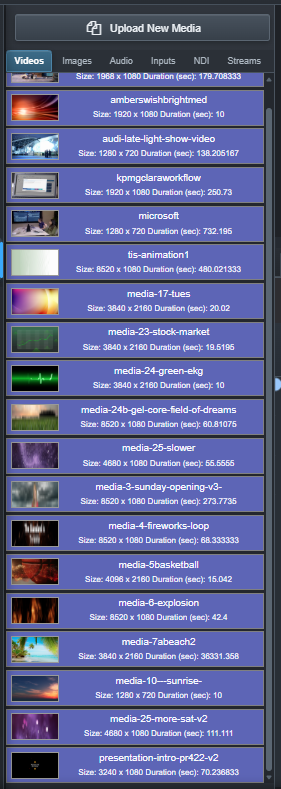
Scan the configured media vault and update the available collection as supported files are added.
MEDIA + EVENT WORKFLOW
Ascension keeps media discovery, technical references, nondestructive preparation and event organization connected from the first import through playback.
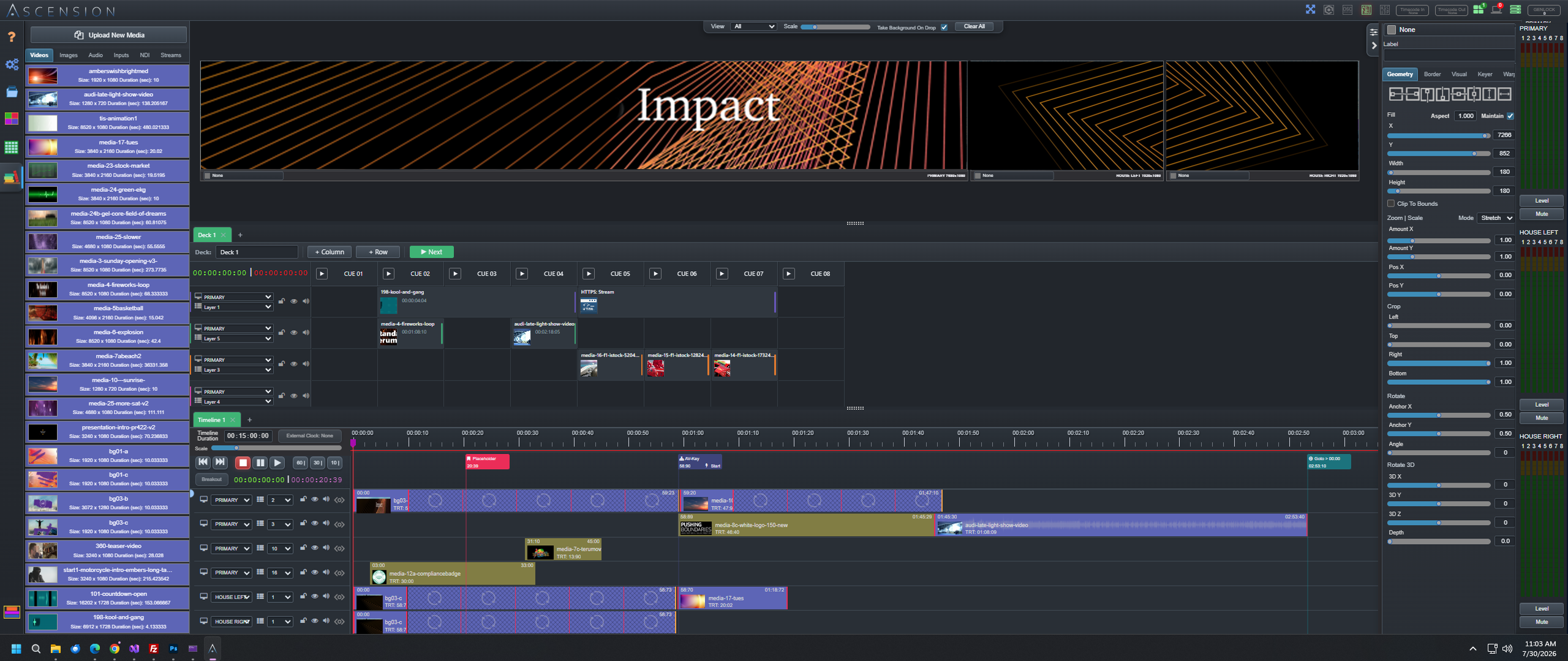
Central media workflow
Discover supported media in the configured library, generate visual references and prepare behavior for each show context without creating altered copies of the original file.
Scan the configured media vault and update the available collection as supported files are added.
Use available duration, frame rate, resolution, audio and format information while programming.
Identify visual media and supported audio timing without relying on filenames alone.
Work with video, stills, audio, templates, browser sources, live inputs and supported network sources.
Keep CueBoards, timelines, layer defaults, presets and control layouts together as an event.
Back up, restore, export and import production configuration independently of the original media files.
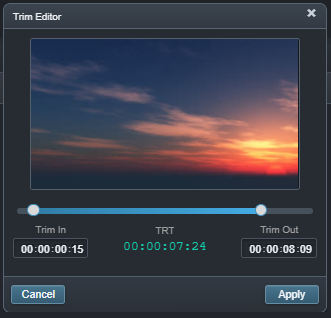
Choose nondestructive in and out points before the asset enters the show.
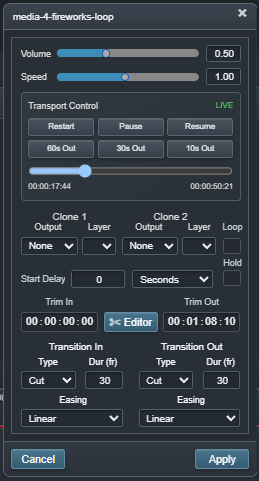
Configure routing, transition, loop and cue-specific behavior.
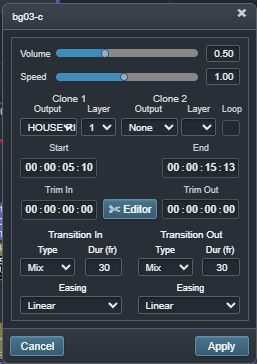
Configure timing, transition and routing for the timeline instance.
Playback optimization
Not every source file arrives in a format designed for predictable real-time playback. Ascension can create a playback-optimized video master directly from the media workflow while keeping the original source intact.

Media vault location
Ascension supports a configurable data-vault location so media records, thumbnails, waveforms and event data can live on storage selected for the production system.
Ready for the next step