Network-to-key control
Receive supported commands through Ethernet and reproduce the corresponding keystrokes on the local Windows computer.
Remote control for shortcut-driven software
AV-Key is a lightweight Windows utility that listens for Ethernet commands and converts them into keystrokes. It adds remote control to presentation, media and production applications without requiring the target application to expose an API.
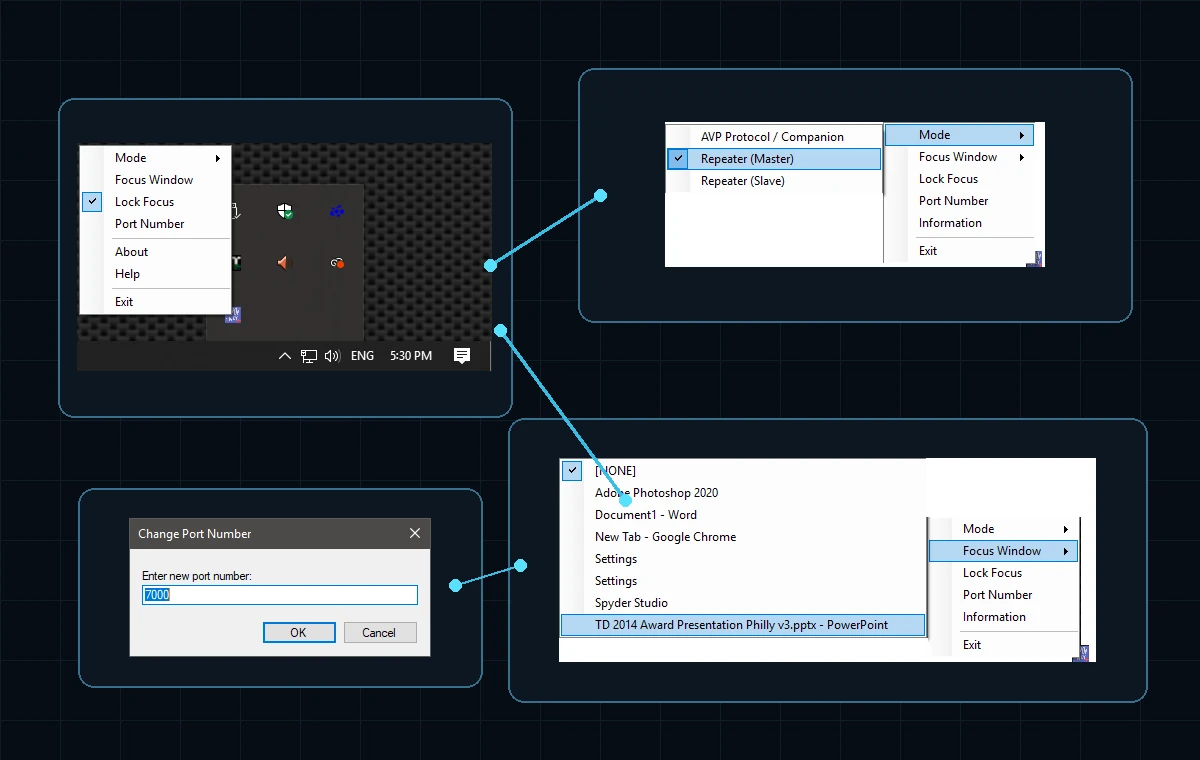
How AV-Key works
The sending device does not need direct knowledge of PowerPoint, a media player or another target application. It only needs to send the command that AV-Key will translate into the intended keyboard action.
Operational features
AV-Key can operate as a simple listener, a multi-computer keystroke repeater or a focused application-control endpoint.
Receive supported commands through Ethernet and reproduce the corresponding keystrokes on the local Windows computer.
Broadcast locally generated keystrokes from a master instance to supporting or backup AV-Key listeners.
Trigger AV-Key through Bitfocus Companion or applications and hardware capable of sending the supported ASCII command protocol.
AV-Key Plus can return keyboard focus to a designated running program whenever a remote command arrives.
Simple configuration
AV-Key remains out of the operator's way while its tray menu provides access to operating mode, focus selection, focus lock and network port configuration.
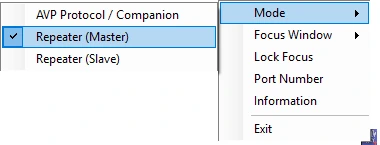
Choose AVP/AV-Key protocol operation or place multiple systems into repeater master and slave roles.
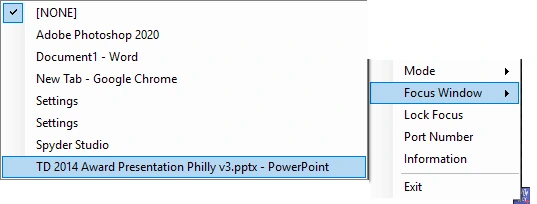
AV-Key Plus can identify a currently running application and restore its focus when a control command is received.
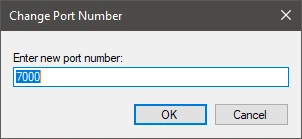
Set the listener port to match Companion, a custom controller and any other AV-Key instances participating in the workflow.
Free and Plus
The free version covers basic Companion control and keystroke transmission. AV-Key Plus removes the small-network restriction and adds the features needed for persistent application focus and custom protocol workflows.
Where AV-Key fits
AV-Key is most useful when an essential application already supports keyboard shortcuts but offers no reliable way for the production system to trigger them over the network.

Download AV-Key
Request the free installer from IEW Solutions, then use Companion or another compatible UDP sender to begin triggering shortcut-driven applications.
Need media playback too?
Explore Legion II and Legion EC for cue-based media playback, output routing and integrated production control.